
This is my Stepper Motor Mount project:
Schematics and Measurements: Click Here
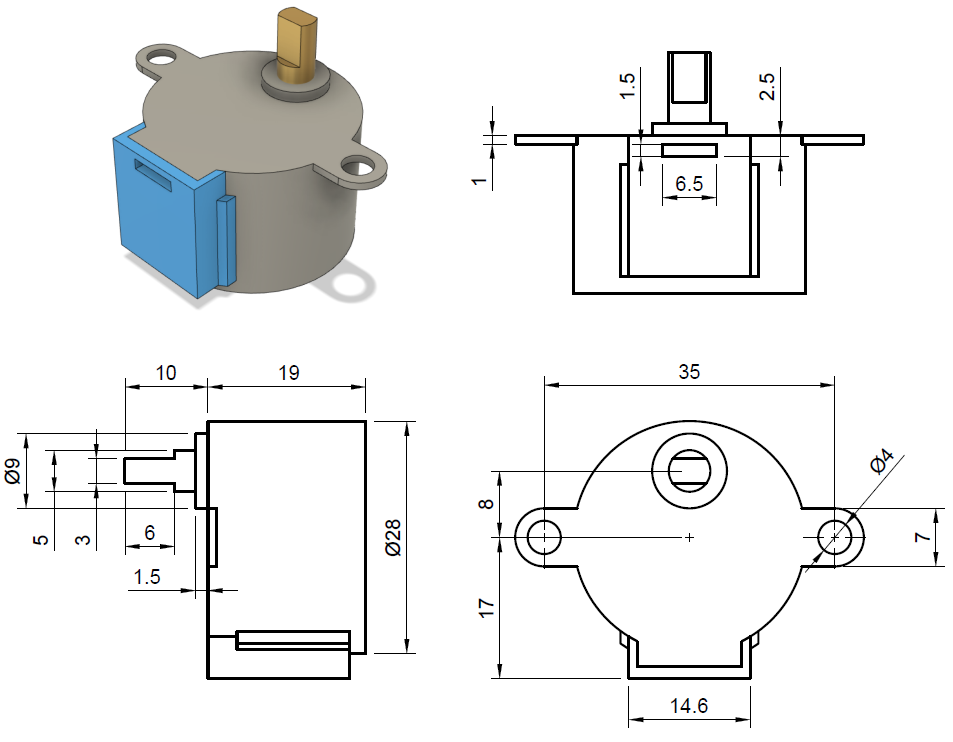
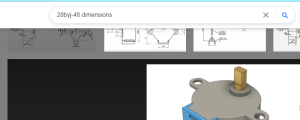
To get the schematics into Onshape, you must first find and download the schematics:
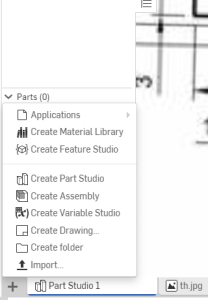
Then, go down to the bottom left of the window and click the little plus. From there you will press import to select your image and then attach it to a plane:
Lastly, create a horizontal line that is 35mm long. Then, scale and align the schematics with the line until they match up.

The printer settings that I used were: The Original Prusa MINI & MINI+ Printer; with the Generic PLA filament; 5% infill
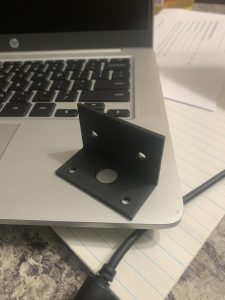
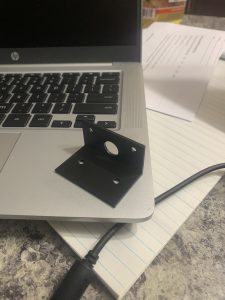
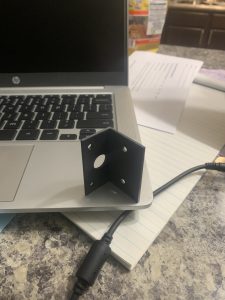
These are photos of the finished product:
Recent Comments